Access Control for SMEs: Least Privilege and RBAC Explained
Not every employee needs access to everything. When anyone can reach any file or system, one compromised account can expose your entire business. Access control is how you decide who gets in, what they can see, and what they can do. Combined with strong passwords and two-factor authentication, proper access control forms the foundation of identity security.
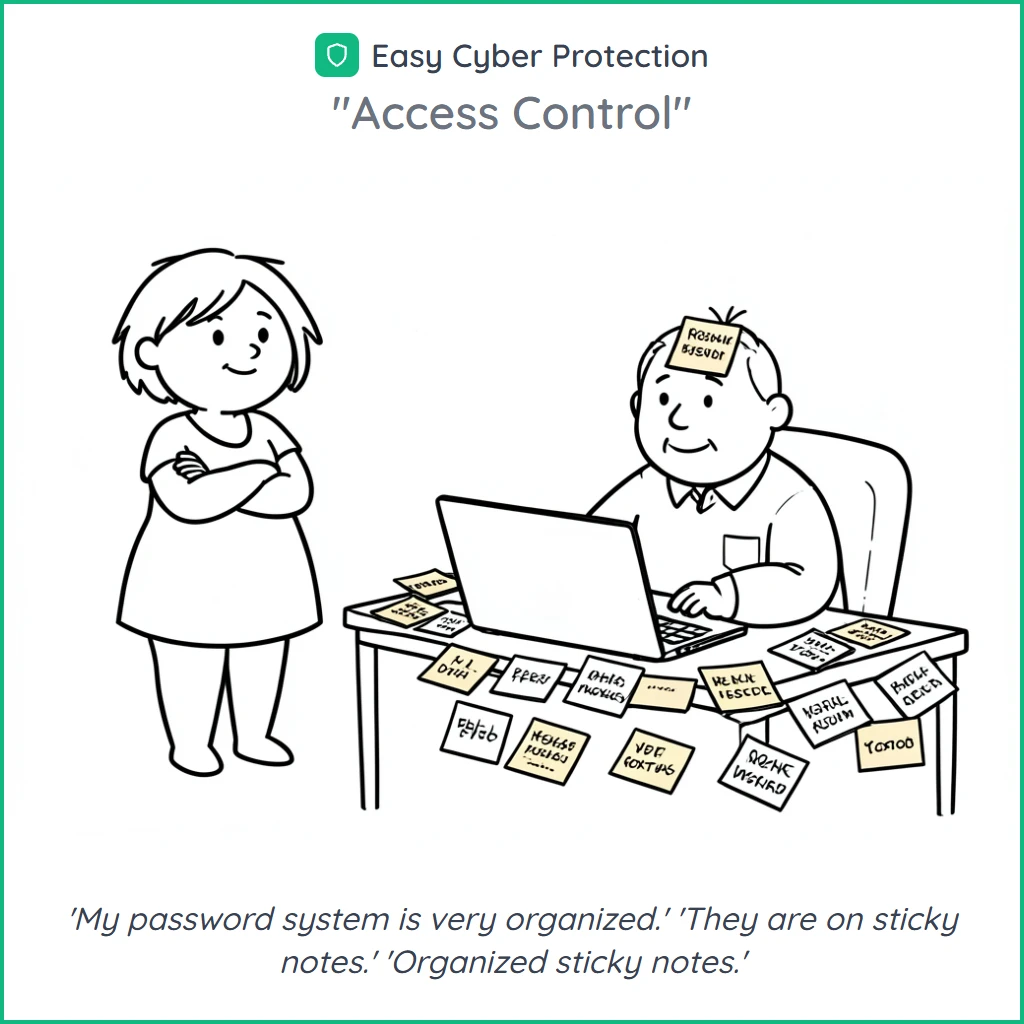
Why Access Control Matters
Poor access control is one of the top causes of data breaches. When everyone has admin access or shares passwords, you have no control over who does what. Poor access control often leads to ransomware spreading across entire networks and makes incident response far more difficult.
Insider Threats
Employees with too much access can accidentally or intentionally leak sensitive data. Limiting access reduces the blast radius.
Compromised Accounts
If a hacker steals one set of credentials, they get whatever that account can access. Less access means less damage.
Compliance Violations
Regulations like NIS2 and GDPR require you to control who accesses personal and sensitive data. Poor controls mean fines.
Privilege Creep
Over time, employees collect more permissions than they need. Old access from previous roles piles up and creates risk.
Core Principles of Access Control
Good access control follows four proven principles. Together they form a strong defense.
Least Privilege
Give each person only the minimum access they need for their current role. No more, no less. If they do not need it, they should not have it.
Need-to-Know
Access to sensitive information should be limited to people who genuinely need it for their work. Not everyone needs to see financial data or customer records.
Separation of Duties
Split critical tasks between different people. The person who approves payments should not be the same person who initiates them.
Defense in Depth
Use multiple layers of protection. Combine strong passwords, multi-factor authentication, and network segmentation. If one layer fails, others still protect you.
Role-Based Access Control (RBAC)
Instead of managing permissions for each person, group them into roles. Each role gets the permissions it needs. Then assign people to roles.
Administrator
Full system access. Only 1-2 trusted people. Used for system configuration, user management, and security settings.
Manager
Access to team data, reports, and approval workflows. Can view but not change system settings.
Employee
Access to tools and data needed for daily work. No admin panels, no sensitive financial data unless required.
External / Contractor
Temporary, limited access to specific projects or systems. Automatically expires after the contract ends.
Implementation Steps
You do not need to do everything at once. Start with these five steps and build from there.
Inventory all accounts
List every user account, service account, and shared account across all systems. You cannot protect what you do not know about.
Define clear roles
Create roles based on job functions. Keep them simple: 3-5 roles cover most SMEs. Document what each role can and cannot do.
Assign permissions to roles
Map each role to specific permissions. Start restrictive and add access only when someone proves they need it.
Enable MFA everywhere
Turn on multi-factor authentication for all accounts, especially admin and remote access. SMS is better than nothing, but app-based is stronger.
Monitor and log access
Track who accesses what and when. Set up alerts for unusual activity like logins at odd hours or from new locations.
Regular Access Reviews
Access control is not a one-time setup. People change roles, leave the company, or take on new tasks. Without regular reviews, permissions drift and risks grow.
Quarterly Reviews
Every three months, review all user permissions. Ask managers to confirm their team members still need their current access.
Immediate Offboarding
When someone leaves, disable their accounts the same day. Do not wait. A forgotten account is an open door.
Role Change Updates
When someone moves to a new role, remove old permissions before adding new ones. Do not just stack new access on top.
Shared Account Audit
Identify and eliminate shared accounts. Each person should have their own account so you can track who did what.
NIS2 and Access Control Requirements
Under NIS2, access control is a mandatory security measure. Organizations must prove they control who accesses their systems and data.
Access Management Policies
You must have documented policies for granting, reviewing, and revoking access to systems and data.
Authentication Controls
Multi-factor authentication is required for critical systems. Password policies must meet minimum security standards.
Privileged Access Management
Admin and privileged accounts need extra controls: stronger authentication, activity logging, and regular review.
Audit Trail
Keep logs of who accessed what and when. You must be able to demonstrate compliance during audits.
Ready to improve your access control?
Easy Cyber Protection helps you implement the right access controls as part of your cybersecurity compliance.
Frequently Asked Questions
What is least privilege access?
Least privilege means giving each person only the minimum permissions they need to do their job. If an accountant does not need access to the CRM, they should not have it. This limits the damage if an account is compromised and reduces the chance of accidental data exposure.
How often should we review access permissions?
Review access at least every quarter. Also review immediately when someone changes roles or leaves the company. Set calendar reminders so reviews do not slip. Many compliance frameworks, including NIS2, expect regular documented reviews.
Why are shared accounts a problem?
Shared accounts make it impossible to track who did what. If something goes wrong, you cannot identify the responsible person. They also make it harder to revoke access when someone leaves. Give each person their own account with their own credentials.
Who should have admin access?
As few people as possible. Typically 1-2 IT staff need full admin rights. Even they should use a separate admin account only when needed, and a regular account for daily work. This limits the impact if their daily account is compromised.
How do we secure access for remote workers?
Require MFA for all remote connections. Use a VPN or zero-trust network access. Make sure devices meet minimum security standards before they can connect. Monitor for unusual login patterns like access from unexpected countries or at unusual hours.
Related Articles
Sources
- NIST SP 800-53: Access Control Guidelines — National Institute of Standards and Technology
- OWASP Access Control Cheat Sheet — Open Web Application Security Project
- Centre for Cybersecurity Belgium (CCB) — CyberFundamentals Framework
- NIS2 Directive — European Commission