What is Phishing? How to Recognize and Prevent It
Phishing is the most common form of cyberattack, responsible for 91% of all data breaches. Criminals send fake emails, text messages, or make phone calls pretending to be trusted organizations to steal your passwords, credit card numbers, or other sensitive information.
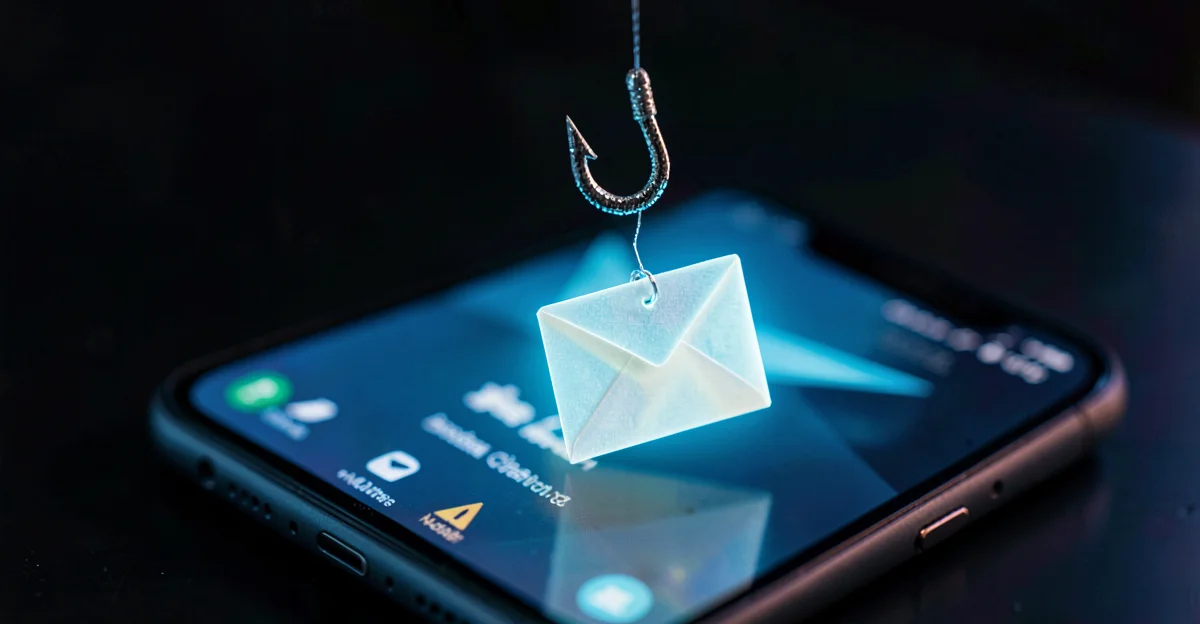
What is Phishing?
Phishing is a type of social engineering attack where criminals impersonate trusted organizations to trick you into revealing sensitive information. The name comes from "fishing" - attackers cast a wide net hoping someone will take the bait. Phishing is the most common form of social engineering, and it is a key reason why two-factor authentication and strong passwords are essential.
Types of Phishing Attacks
Email Phishing
Mass emails impersonating banks, delivery services, or government agencies. The most common form.
Spear Phishing
Targeted attacks using personal information about you or your company. More sophisticated and harder to detect.
Smishing (SMS)
Phishing via text messages. Often claims your package is waiting or your account is compromised.
Vishing (Voice)
Phone calls from fake "tech support" or "bank employees" asking for account access or payments.
Whaling
Spear phishing targeting executives and decision-makers. Often involves fake invoices or urgent wire transfers.
Phishing-as-a-Service (PaaS)
Criminal platforms that sell ready-made phishing kits — including MFA-bypass tools — to anyone willing to pay. Tycoon 2FA, dismantled by Europol and Microsoft in March 2026, ran 96,000 attacks globally including 500 Belgian victims.
Fake-Breach Extortion
A newer tactic flips the script: instead of stealing your data, criminals fabricate a breach and extort your reputation. On April 21, 2026, a seller on a crime forum listed 400,000 alleged Bol.com customer records for 100 euro. Within 48 hours researchers proved the dataset was fabricated, AI-padded rows stitched onto data from an older unrelated breach. Bol confirmed no incident had occurred (Source: Security.NL, RetailDetail).
The playbook is simple. Fabricate a breach, seed it on a crime forum, let the news cycle run, then extort the brand. Even a denial costs PR time and erodes trust, and several Belgian outlets ran the original claim before retractions caught up.
How to Recognize Phishing
Phishing messages share common warning signs. Train yourself and your team to spot these red flags:
Urgency and Threats
"Act now or your account will be closed!" Legitimate organizations rarely demand immediate action.
Suspicious Sender
Check the actual email address, not just the display name. Phishers use domains like "bank-secure.com" instead of "bank.be".
Generic Greetings
"Dear Customer" instead of your actual name. Your bank knows who you are.
Spelling and Grammar Errors
Professional organizations proofread their communications. Typos are a red flag.
Suspicious Links
Hover over links before clicking. Does the URL match what you expect? Look for subtle misspellings.
Unexpected Attachments
Be especially wary of .exe, .zip, or Office files with macros from unknown senders.
Real Phishing Examples
Here are common phishing scenarios you might encounter:
Package Delivery
""Your bpost package is waiting. Pay €1.99 customs fee to receive it." Links to a fake payment page that steals your card details."
Bank Alert
""Unusual activity detected on your account. Click here to verify your identity." Links to a fake login page that captures your credentials."
IT Support
""Your Microsoft 365 password expires today. Click here to keep your account." Steals your work email credentials."
CEO Fraud
""I need you to wire €50,000 to this supplier urgently. I am in a meeting and cannot call." Sent from a spoofed or compromised email."
What to Do If You Receive a Phishing Email
Do not click any links
Even "unsubscribe" links can be malicious.
Do not download attachments
They may contain malware.
Verify independently
If the message claims to be from your bank, call them using the number on their official website.
Report it
Forward the email to [email protected] in Belgium.
Delete it
Remove the message from your inbox and trash.
What to Do If You Clicked a Phishing Link
Disconnect from the internet
This prevents malware from spreading or sending your data.
Change your passwords
Start with the account that was targeted, then any accounts using the same password.
Enable two-factor authentication
Add this extra layer of security to all important accounts.
Scan for malware
Run a full antivirus scan on your device.
Monitor your accounts
Watch for unauthorized transactions or changes over the coming weeks.
Report the incident
If company data may be compromised, notify your IT team immediately.
How to Report Phishing in Belgium
The Centre for Cybersecurity Belgium (CCB) operates Safeonweb.be to help citizens and businesses report phishing.
Forward suspicious emails to this address. The CCB analyzes reports and blocks malicious websites.
In 2024, Belgians reported over 10 million suspicious messages to Safeonweb, helping block thousands of phishing sites.
How to Prevent Phishing Attacks
Prevention is the best defense. Implement these measures in your organization: Organizations subject to the NIS2 directive must implement these measures as part of their compliance requirements.
Security Awareness Training
Train employees to recognize phishing. Regular reminders are more effective than annual training.
Two-Factor Authentication
Even if credentials are stolen, attackers cannot access accounts without the second factor.
Email Filtering
Use spam filters and email security tools to block known phishing attempts.
Verify Unusual Requests
Establish a policy: large payments or sensitive requests must be verified by phone.
Keep Software Updated
Updates patch security vulnerabilities that attackers exploit.
Use Password Managers
They will not auto-fill credentials on fake websites, providing an extra layer of protection.
Protect Your Business from Phishing
Easy Cyber Protection helps you with a step-by-step approach to protect your organization from phishing and other cyber threats.
Frequently Asked Questions
How do I recognize a phishing email?
Look for urgency or threats, check the sender email address carefully, watch for spelling errors, and hover over links before clicking. Legitimate organizations rarely ask for sensitive information via email.
What should I do if I clicked a phishing link?
Disconnect from the internet, change your passwords immediately (starting with the targeted account), enable two-factor authentication, run an antivirus scan, and monitor your accounts for suspicious activity.
Can phishing happen via SMS or phone?
Yes. Smishing (SMS phishing) uses text messages, while vishing uses phone calls. Both use the same tactics as email phishing - urgency, impersonation, and requests for sensitive information.
How do I report phishing in Belgium?
Forward suspicious emails to [email protected]. This helps the Centre for Cybersecurity Belgium (CCB) identify and block phishing websites. You can also report via the Safeonweb app.
Why do phishing attacks still work?
Phishing exploits human psychology, not technology. Attackers create urgency and fear, impersonate trusted brands, and only need one person to click. With billions of emails sent daily, even a tiny success rate is profitable.
Related Articles
Sources
- Safeonweb.be — Centre for Cybersecurity Belgium (CCB)
- Verizon Data Breach Investigations Report — Annual cybersecurity statistics
- ENISA (EU Agency for Cybersecurity) — European cybersecurity guidelines